
See Roz work
Short videos of the real Roz app. Each video shows one job from start to finish.
 0:38
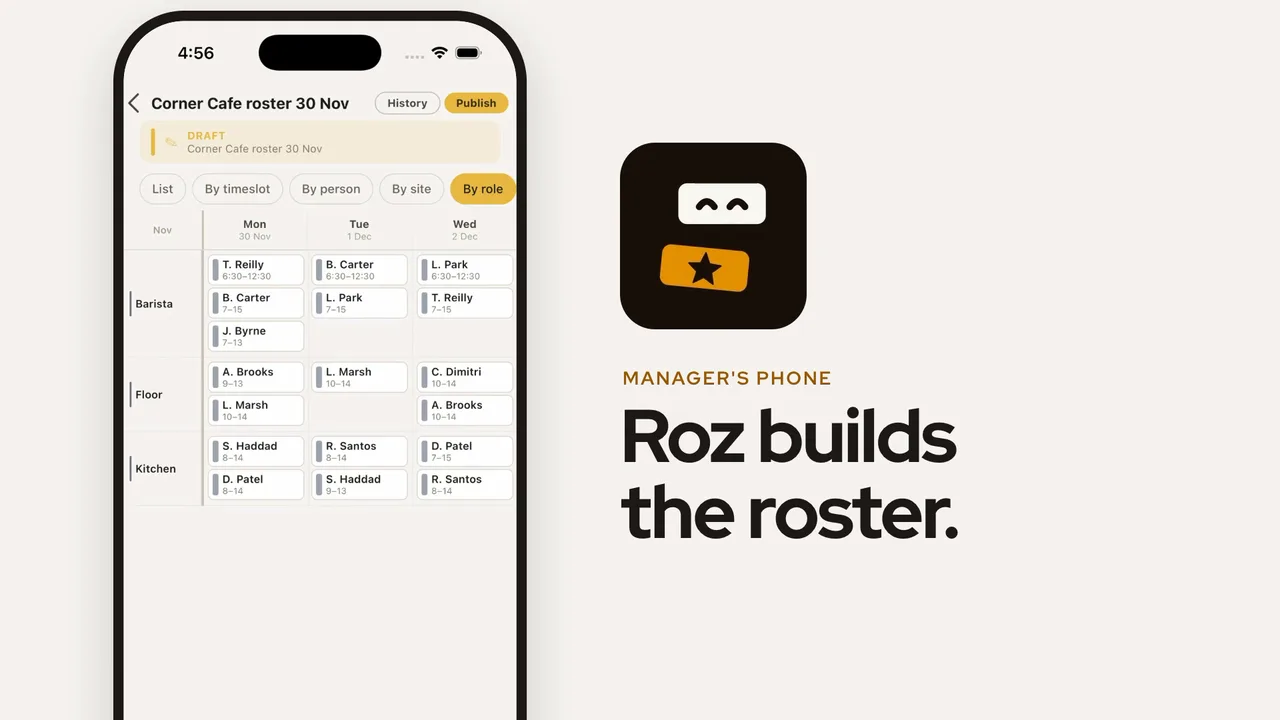
The roster
Send Roz a photo of your roster. Roz reads it, builds the week, makes your change and tells the team when you publish.
 0:28
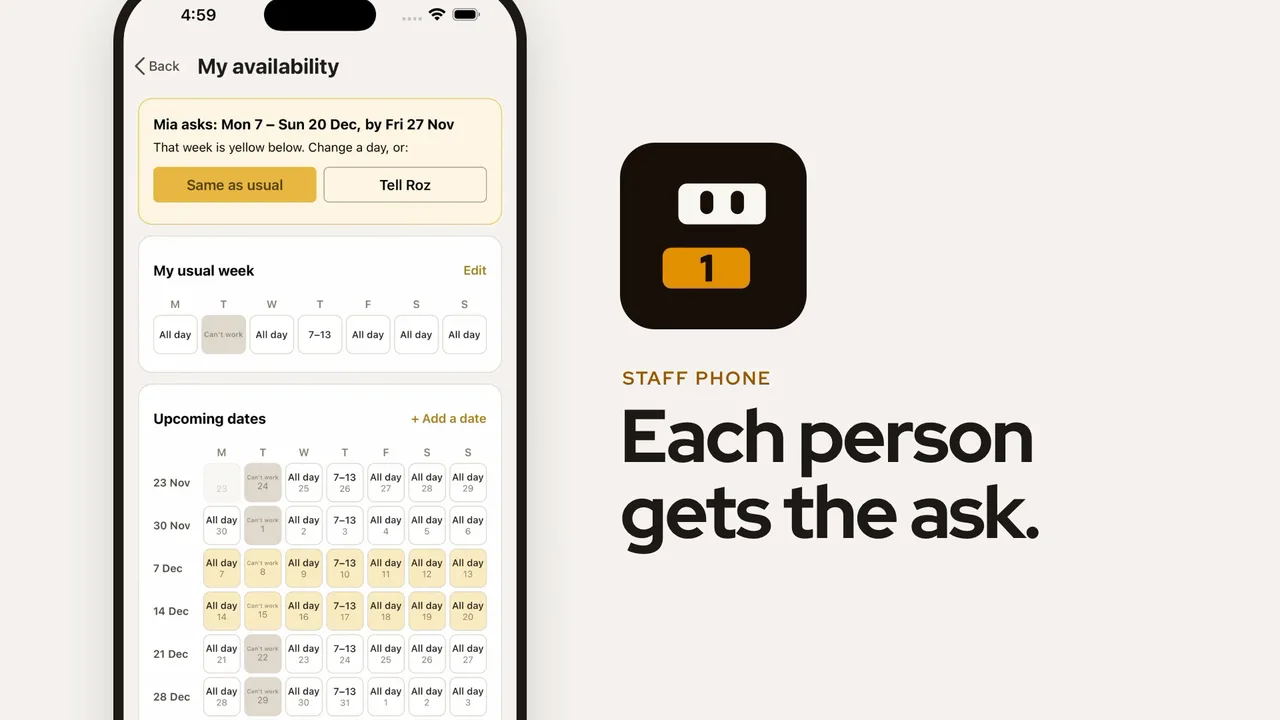
Availability
Tell Roz the dates. Roz asks each person, each person answers in one tap, and Roz tells you who answered.
 0:26
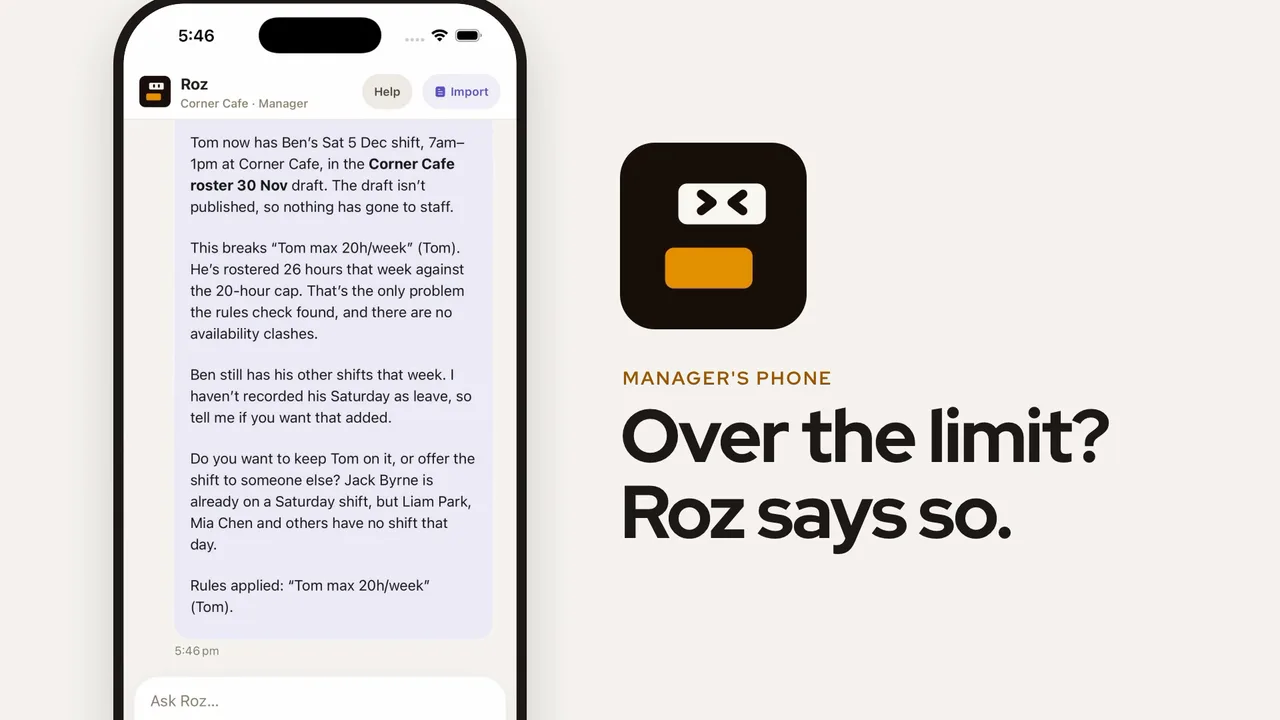
Rules
Tell Roz a rule in plain words. Roz checks each change against it, tells you when a change breaks it, and fixes it in one line.
 0:36
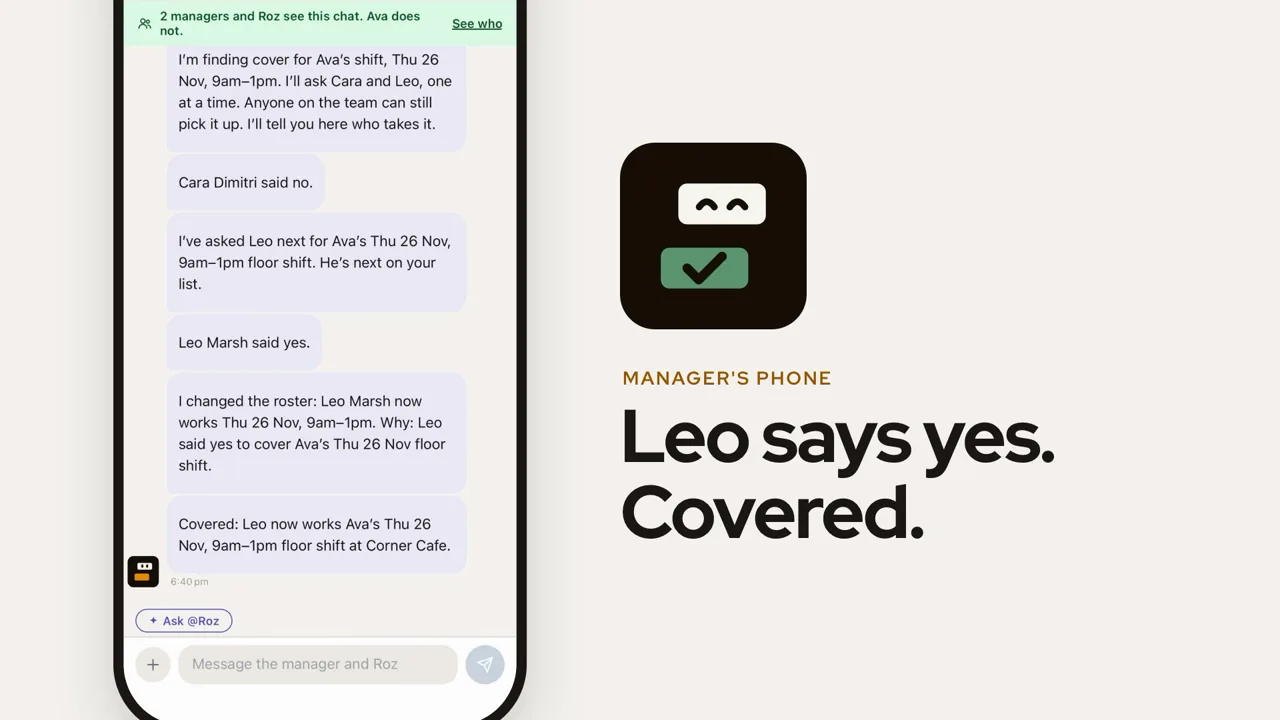
Cover a shift
Ava can't make Thursday. Roz tells the manager, asks the team and changes the roster when Leo says yes.
 0:28
Clock in and out
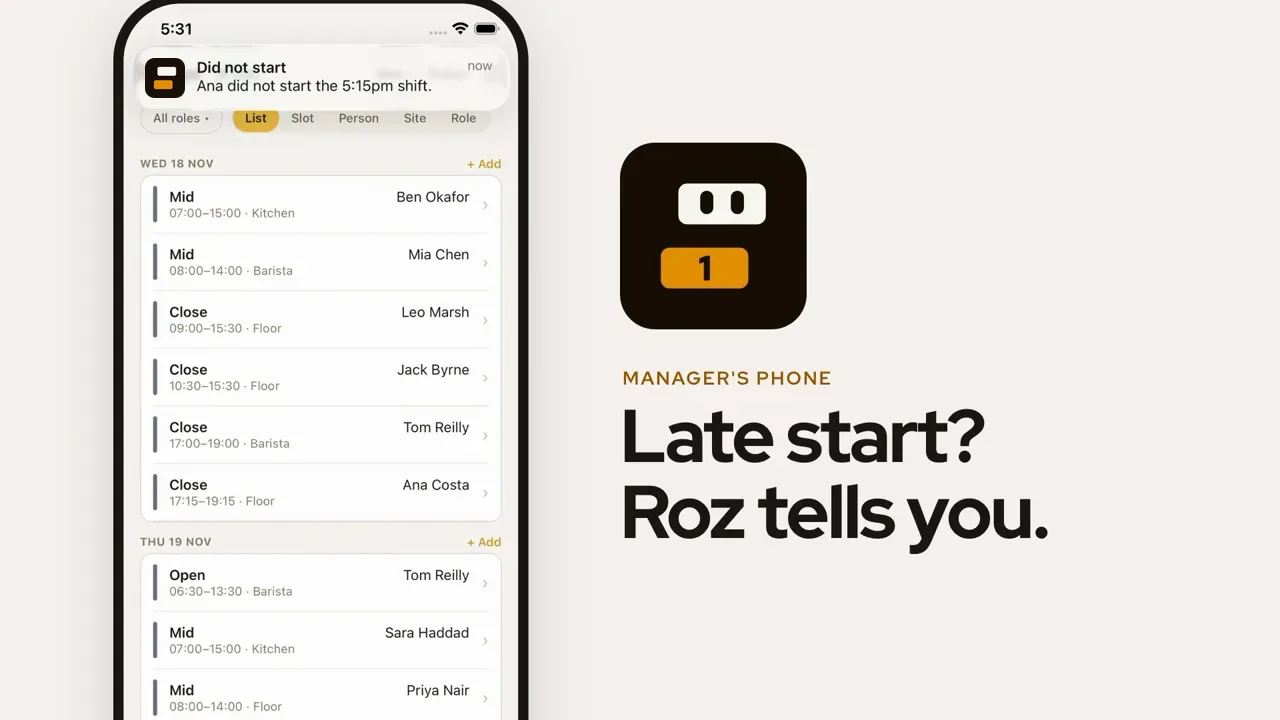
Tom gets a reminder, then taps to start, to take a break and to end. When a person starts late, Roz tells the manager.
Do you want each step? The help centre has the full how-to for each job.